How to Fast Replicate Any Website Using an AI Agent
Learn how AI agents revolutionize website replication, enabling developers to recreate complex web interfaces in minutes with precision and efficiency.

Arman Ali
I specialize in building and maintaining scalable web applications, with a strong focus on performance, user experience, and backend efficiency. With over 4+ years of experience, I have evolved from a front-end expert into a full-stack developer proficient in both front-end and back-end development.

In today's fast-paced development environment, the ability to quickly replicate and prototype websites has become a critical competitive advantage. AI agents are revolutionizing this process, enabling developers to recreate complex web interfaces in minutes rather than days. This guide explores how to leverage AI agents to rapidly replicate any website with precision and efficiency.
Why Replicate Websites?
Before diving into the technical approach, it's worth understanding the legitimate use cases for website replication:
- Rapid prototyping – Test design concepts and user flows without starting from scratch
- Competitive analysis – Understand and learn from successful design patterns
- Migration projects – Modernize legacy applications by rebuilding with current technologies
- A/B testing – Create variations of existing designs to test different approaches
- Educational purposes – Learn web development techniques by studying real-world implementations
The AI Agent Approach
Traditional website replication involves manual inspection of HTML, CSS, and JavaScript—a tedious and error-prone process. AI agents transform this workflow by automating the analysis and code generation steps.
Key Capabilities
Modern AI agents bring several powerful capabilities to website replication:
- Visual understanding – Analyze screenshots to extract layout, typography, and design elements
- Code generation – Produce clean, semantic HTML and CSS based on visual analysis
- Component identification – Recognize reusable UI patterns like navigation bars, cards, and forms
- Responsive design – Generate layouts that adapt to multiple screen sizes
- Framework integration – Output code compatible with React, Vue, or other modern frameworks
Step-by-Step Replication Process
1. Capture the Target Website
Start by gathering comprehensive information about the site you want to replicate:
- Take full-page screenshots at multiple viewport sizes
- Note interactive elements and their behaviors
- Identify key sections and their hierarchy
- Document color schemes and typography
2. Provide Context to the AI Agent
Structure your instructions clearly:
Create a replica of [website name] with the following features:
- Responsive navigation bar with logo and menu items
- Hero section with headline and call-to-action button
- Feature cards in a three-column grid
- Footer with social media links
Be specific about:
- Target framework (React, Vue, vanilla HTML)
- Styling approach (Tailwind CSS, styled-components, CSS modules)
- Component structure preferences
- Functionality requirements
3. Iterate and Refine
AI agents excel at iterative improvement:
- Review the initial output
- Request specific adjustments to spacing, colors, or layout
- Add interactive behaviors like hover effects or animations
- Fine-tune responsive breakpoints
4. Integrate and Customize
Once the structure is in place:
- Connect to your backend APIs
- Replace placeholder content with real data
- Add business logic and state management
- Implement authentication and user-specific features
Best Practices
Start with Structure
Focus first on getting the layout and component hierarchy right. Details like exact colors and spacing can be refined later.
Break Down Complex Pages
For intricate websites, replicate one section at a time:
- Navigation/header
- Hero section
- Main content areas
- Sidebar (if applicable)
- Footer
Use Modern Standards
Ensure the replicated code follows current best practices:
- Semantic HTML5 elements
- Accessible markup (ARIA labels, proper heading hierarchy)
- Mobile-first responsive design
- Performance optimizations (lazy loading, code splitting)
Maintain Legal Boundaries
Always respect intellectual property:
- Use replication for learning and internal prototyping only
- Never deploy exact copies of copyrighted designs
- Modify designs significantly for production use
- Respect robots.txt and terms of service
Advanced Techniques
Component Libraries
Leverage existing component libraries to accelerate development:
- Match replicated designs to pre-built components
- Customize library components to fit the target aesthetic
- Combine multiple libraries for comprehensive coverage
Design System Integration
Build replication around a consistent design system:
- Extract reusable design tokens (colors, spacing, typography)
- Create a component library from replicated elements
- Document patterns for team-wide consistency
Automated Testing
Ensure replication accuracy with automated checks:
- Visual regression testing to compare original and replica
- Responsive design testing across devices
- Accessibility audits
- Performance benchmarking
Real-World Applications
E-commerce Platforms
Replicate successful product page layouts to optimize conversion rates. AI agents can quickly generate:
- Product image galleries
- Specification tables
- Review sections
- Add-to-cart workflows
Landing Pages
Create high-converting landing pages by analyzing top-performing competitors:
- Hero sections with compelling copy
- Social proof elements
- Feature comparisons
- Pricing tables
SaaS Dashboards
Rebuild intuitive admin interfaces by studying industry leaders:
- Data visualization layouts
- Navigation patterns
- Settings panels
- User management interfaces
Performance Considerations
AI-generated code may need optimization:
- Remove redundant styles – Consolidate duplicate CSS rules
- Optimize images – Implement responsive images with srcset
- Minimize bundle size – Tree-shake unused code and dependencies
- Lazy load components – Load non-critical sections on demand
Tools and Workflow Integration
Development Environment
Set up your environment for efficient AI-assisted replication:
- Use a live-reload development server
- Install browser DevTools extensions for inspection
- Configure linters and formatters for consistent code quality
Version Control
Track replication progress systematically:
- Commit each major section as it's completed
- Use descriptive commit messages
- Create branches for experimental variations
Collaboration
Share AI agent outputs effectively with your team:
- Document the replication process in README files
- Create component documentation
- Set up preview deployments for stakeholder review
Common Challenges and Solutions
Pixel-Perfect Accuracy
Challenge: Achieving exact visual parity with the original site.
Solution: Use browser DevTools to measure exact dimensions and spacing. Provide these measurements to the AI agent for precise reproduction.
Complex Interactions
Challenge: Replicating sophisticated JavaScript behaviors.
Solution: Break interactions into discrete steps. Describe each behavior clearly and implement progressively.
Dynamic Content
Challenge: Handling content that changes based on user state or API data.
Solution: Start with static mockups, then layer in dynamic data fetching and state management.
Cross-Browser Compatibility
Challenge: Ensuring consistent appearance across browsers.
Solution: Request standards-compliant code and test in multiple browsers. Use CSS resets or normalize.css.
Measuring Success
Evaluate your replication against these criteria:
- Visual fidelity – How closely does it match the original design?
- Functionality – Do all interactive elements work as expected?
- Performance – Are page load times acceptable?
- Code quality – Is the code maintainable and well-structured?
- Accessibility – Does it meet WCAG standards?
- Responsiveness – Does it work across device sizes?
Future of AI-Assisted Replication
The field continues to evolve rapidly:
- Improved visual understanding – Better recognition of subtle design details
- Automated testing – AI agents that verify their own output
- Design system extraction – Automatic identification of design tokens
- Multi-page replication – Coherent reproduction of entire websites
- Real-time collaboration – Pair programming with AI for instant iteration
Conclusion
AI agents have fundamentally changed the economics of website replication. What once required multiple developers and significant time investment can now be accomplished by a single developer in a fraction of the time. By following structured processes, leveraging AI capabilities effectively, and maintaining focus on quality and legal compliance, teams can accelerate their development workflows while learning from the best designs on the web.
The key to success lies not in treating AI agents as a complete solution, but as a powerful tool in a developer's arsenal—one that handles repetitive tasks and initial scaffolding, freeing humans to focus on creativity, business logic, and user experience refinement.
Start small, iterate quickly, and gradually expand your use of AI agents for website replication. The productivity gains will speak for themselves.
Ready to transform your development workflow? Start experimenting with AI-assisted website replication today and experience the future of rapid web development.
Written by
Arman Ali
I specialize in building and maintaining scalable web applications, with a strong focus on performance, user experience, and backend efficiency. With over 4+ years of experience, I have evolved from a front-end expert into a full-stack developer proficient in both front-end and back-end development.
Discussion(0)
Sign in to comment with your account, or fill in your name below as a guest.
Continue reading
Browse all → Engineering
When AI Agents Make Mistakes: The New Reality of Autonomous Systems in the Workplace
As AI systems evolve from chatbots to autonomous agents, organizations must prepare for inevitable mistakes. Learn how to build resilient systems that can fail safely and recover quickly.
Arman Ali
Jul 21, 2026
 Engineering
Why We Built Our Own PDF Toolkit In-House — And Made It Free
Free, browser-based PDF tools built with privacy first. No ads, no uploads to unknown servers, no paywalls. Convert, merge, compress, and edit PDFs—plus AI-powered summaries.
Zeeshan
Jul 8, 2026
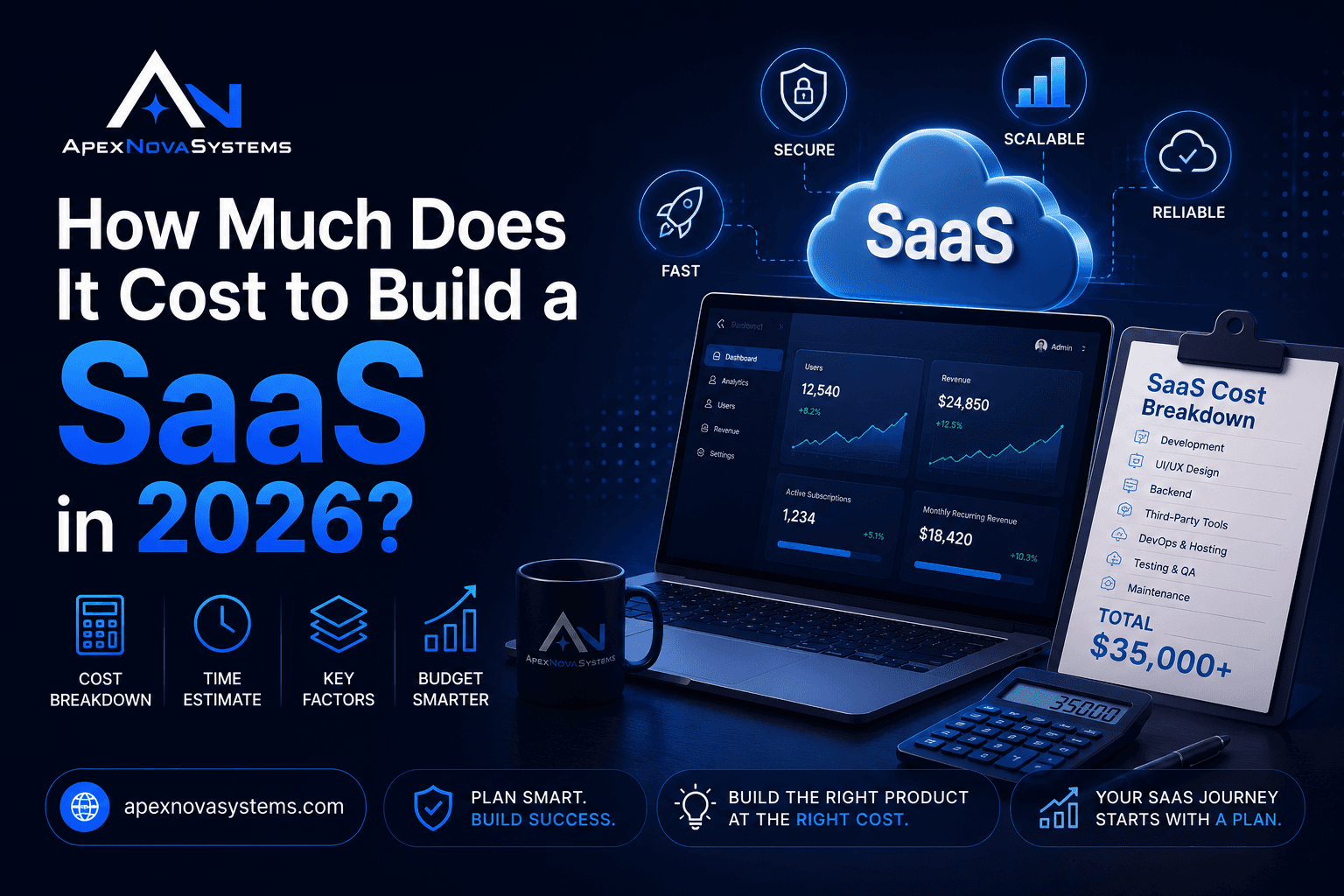 Engineering
How Much Does It Cost to Build a SaaS in 2026?
Discover the complete cost breakdown for building a SaaS product in 2026, from $50K MVPs to $1M+ enterprise platforms. Learn budgeting strategies and cost-saving tips.
ApexNova Admin
Jul 7, 2026